If you are not eligible for a Social Security Number but want to build credit, start a business, or pay taxes in the United States, you may have noticed that having an ITIN is often the first step. After researching solutions and going through the process myself, I discovered that applying for an Individual Taxpayer Identification Number (ITIN) has become more accessible than ever, especially for those who want to do everything online. In this article, I’ll walk you through what I’ve learned about applying remotely, choosing the best approach, and what makes a difference in getting real support from services like safeitin.com.
What is an ITIN and who really needs it?
The ITIN, or Individual Taxpayer Identification Number, is a nine-digit number issued by the IRS, needed for those who must pay federal taxes but are not eligible for an SSN. According to official IRS resources, this number helps non-residents, international investors, and entrepreneurs living outside the U.S. satisfy federal tax obligations.
I often get questions about who truly needs an ITIN. Based on my experience, the answer usually includes:
- Non-U.S. residents with U.S. income or tax reporting requirements
- Individuals who want to open a U.S. bank account or start building credit
- Foreign investors and business partners with companies in the U.S.
- Spouses or dependents claimed on U.S. tax returns who do not qualify for an SSN
Whether you are looking to declare taxes, build a financial profile, or expand business opportunities, an ITIN is more than just a bureaucratic step—it’s often the beginning of something bigger in the U.S. financial system.
An ITIN opens doors, even if you don’t live in the U.S.
How to apply for an ITIN remotely, step by step
Applying for an ITIN online and remotely is both possible and practical. Here’s the process, based on what I’ve seen and experienced:
- Gather your personal and legal documents.
- Fill out Form W-7 thoroughly.
- Prove your identity and foreign status without sending away your physical passport.
- Submit your application electronically or with the help of a Certifying Acceptance Agent (CAA).
- Wait for approval and receive your ITIN by mail.
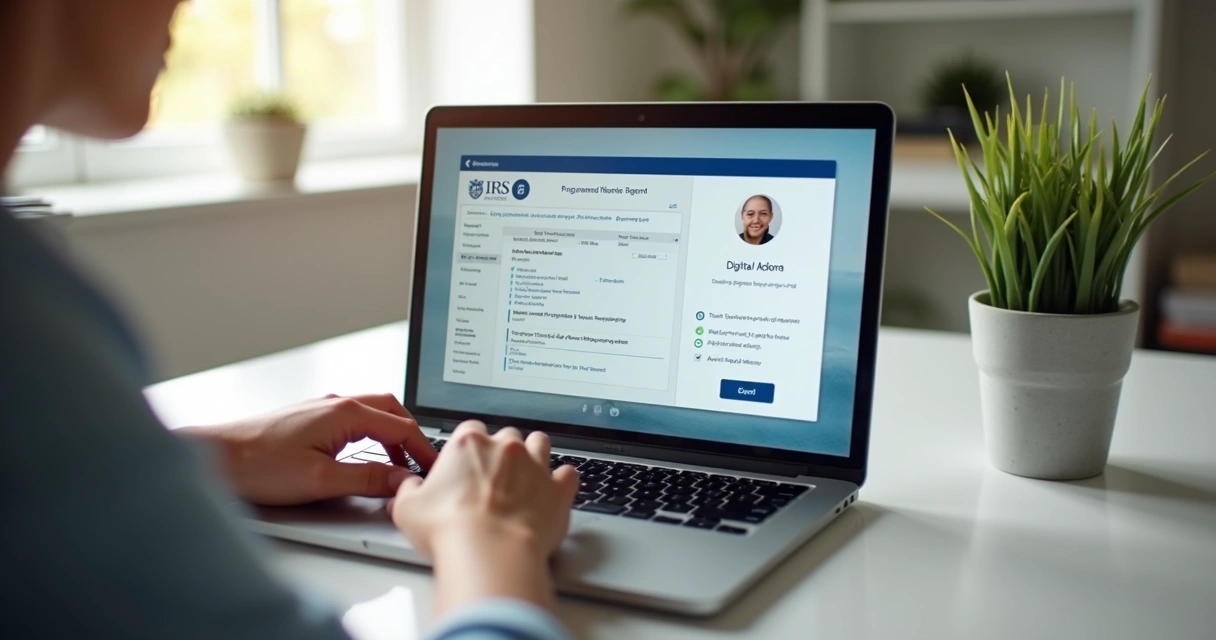
The digital age offers clear advantages. Many years ago, it was common for applicants to mail their original passports to the IRS—a nerve-wracking prospect. However, with specialized online services and modern CAA processes, your vital documents can stay safely in your possession while your identity is verified digitally or during a video call with an authorized agent (see the IRS CAA program).
One benefit that really stands out is services like safeitin.com, which combine the convenience of remote verification with personalized guidance. That means you avoid bureaucratic pitfalls and get step-by-step help from an agent trained and authorized by the IRS, without having to risk losing your passport or traveling anywhere.

What documents do I need for my ITIN request?
From my own checklist, here’s what you’ll need to prepare:
- Completed Form W-7 (official form and instructions)
- Your valid passport (the preferred document), OR:
- National identification card (with photo), OR
- Birth certificate (for dependents under 18)
- Other support documents listed by the IRS supporting documents
- A completed tax return, unless you qualify for an exception
When applying online, many acceptance agents (including the ones you find through safeitin.com) can verify your passport during a live video call—removing the stress of mailing original papers across the world. In some cases, certified copies from the issuing agency may also be accepted.
You don’t have to let your original documents leave your hands.
How is the process different: IRS direct, acceptance agents, or remote services?
In my experience, there are really three main ways to send your ITIN application:
- Direct to the IRS: Fill out the W-7 form, include originals/certified copies, and mail them (can be slow and risky for your documents).
- Through an Acceptance Agent or CAA: Agents can confirm your identity, fill out paperwork, and submit your application. IRS lists approved agents for your reference.
- Online and remote-first services: These services, such as safeitin.com, combine IRS-authorized agents, live support in English, and a 100% remote setup to guide you from start to finish.
For many people, especially those outside the U.S., choosing a fully remote service means less confusion, no international shipping headaches, and clearer communication. I find this approach not only more comfortable, but also much safer and quicker than traditional mail-your-passport methods.
How long will it take and what problems might I face?
Based on the latest IRS guidelines and personal reviews, ITIN approval usually takes 7 to 11 weeks, though this can vary. Delays may happen if forms are incomplete, documents do not meet IRS standards, or your application arrives during periods of high demand—the typical U.S. tax season, for example. That’s why I’ve always recommended paying careful attention to details and, if possible, getting support from someone qualified.
Common issues people run into:
- Not filling out Form W-7 completely (missing boxes cause delays)
- Submitting unclear or uncertified documents
- Neglecting to include a tax return, when required
- Choosing an acceptance agent who is not listed by the IRS
I found that following practical guides and learning from others’ mistakes can spare you weeks of back-and-forth. For extra tips and in-depth info, I suggest reading posts in the documentation section and exploring content on U.S. topics and taxation.
How do I make sure the process is safe and legitimate?
Security is often a concern, and rightly so—sending sensitive documents across borders or through the mail never felt comfortable to me. The IRS recognizes this, which is why the Certifying Acceptance Agent program exists. These agents are authorized to verify your identity and paperwork, ensuring you don’t have to risk losing originals. For more on how this system works, see the IRS explanation on Acceptance Agents.
When you choose a remote service like safeitin.com, your documents are reviewed by a specialist trained in both the paperwork and IRS requirements. This gave me peace of mind. Plus, data is handled with strong privacy standards throughout the process, and you always have the right to ask questions or request clarification at any time.
Trusting authorized professionals speeds things up and keeps your data secure.
For real-life perspectives and stories from people who completed their process using online solutions, I recommend reading some detailed experiences in this example post and this real-life testimonial.
Conclusion: Start your ITIN journey online—no passport mailing, all support included
In my opinion, applying for an ITIN no longer has to be stressful or slow. The best way to apply for an ITIN number now is through online, remote-first services, where your application is reviewed and submitted by an IRS-authorized expert. You stay updated at every step, your original documents remain safe, and your questions are answered in fluent English.
If you want a smooth, affordable, and guided experience, consider contacting an agent from safeitin.com. They help at every stage, from your first question to receiving your ITIN at home. Click to connect with an agent now and take your first step toward building your American future—wherever you are in the world.
Frequently asked questions
Where can I apply for an ITIN number?
You can apply for an ITIN by submitting the required documents directly to the IRS, through a Certifying Acceptance Agent listed on the official IRS website, or by using a fully remote, IRS-authorized service such as safeitin.com for guided support.
How do I apply for ITIN online?
You begin by filling out Form W-7, gathering necessary documents, and connecting with an IRS Acceptance Agent who can verify your identity remotely. This can be done entirely online with services that offer video verification, such as those available through safeitin.com.
What documents are needed for an ITIN application?
You will need Form W-7, your valid passport or national ID, evidence of foreign status, and sometimes a U.S. tax return, unless you meet an IRS-listed exception. Refer to the latest IRS supporting documents guidelines for specifics.
How long does ITIN approval take?
Currently, ITIN approval usually takes between 7 and 11 weeks after receiving your complete application, depending on IRS workload and document accuracy.
Are there fees to apply for an ITIN?
There are no IRS-imposed fees to process Form W-7, but if you use an Acceptance Agent or a guided online service, a service fee will likely apply in return for assistance, document checks, and secure processing. Safeitin.com offers clear, affordable pricing for personalized support.